Smart Saving
A personal finance app that puts actionable savings guidance beside account balances, everyday actions, and recent activity.
Project overview
Smart Saving explores a more proactive approach to personal banking. Rather than opening with a transaction ledger alone, the home screen pairs a savings suggestion with an account overview and shortcuts to common money tasks.
The design challenge
A balance tells people what they have, but it does not always help them decide what to do next. Savings guidance needs to be understandable, timely, and connected to a clear action.
Inside the experience
An insight with a next step
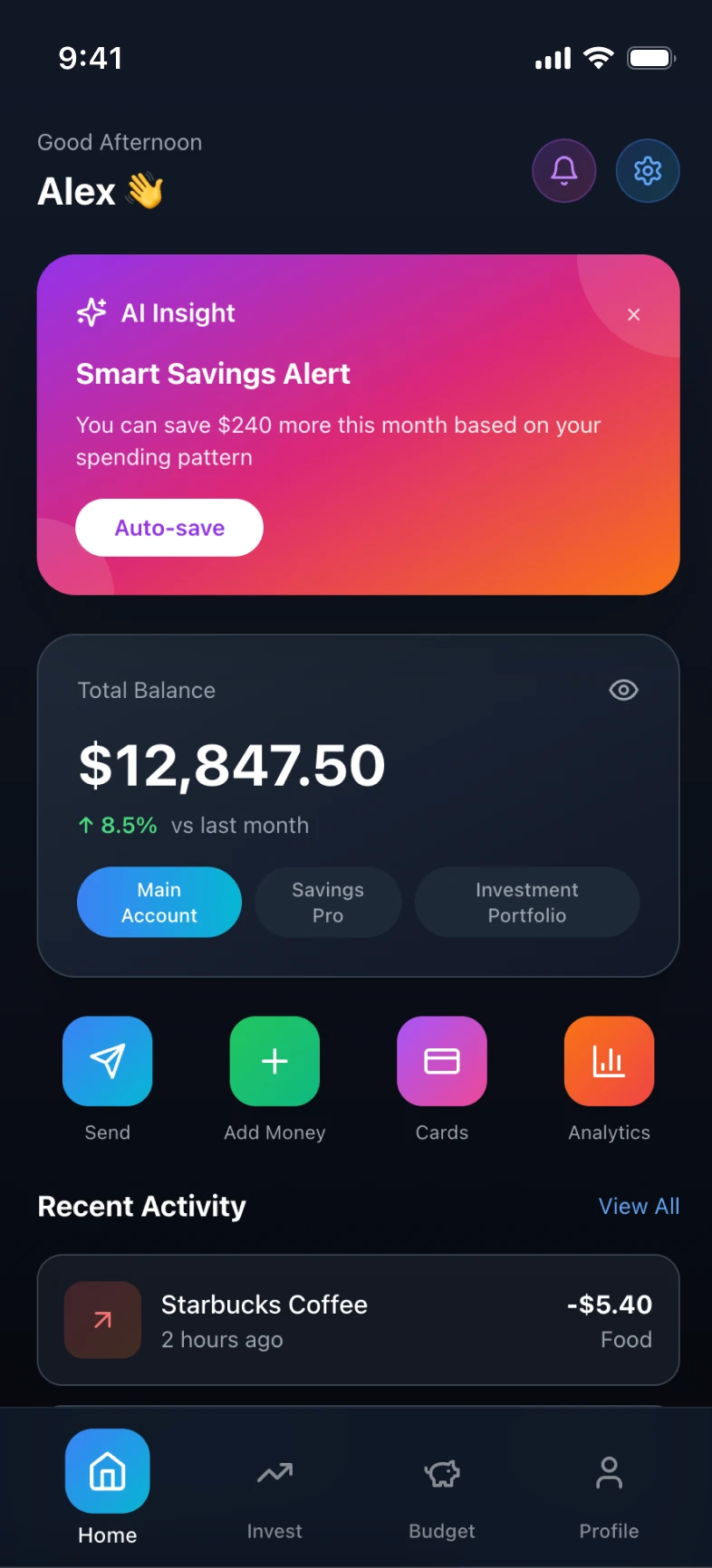
The prominent savings alert explains an opportunity based on spending patterns and pairs it with an “Auto-save” action. The recommendation has a distinct visual treatment from the account summary.
Separate insight from account information
The balance card includes account, savings, and investment views. Keeping those controls together makes the scope of the displayed balance more legible.
Keep everyday money tasks close
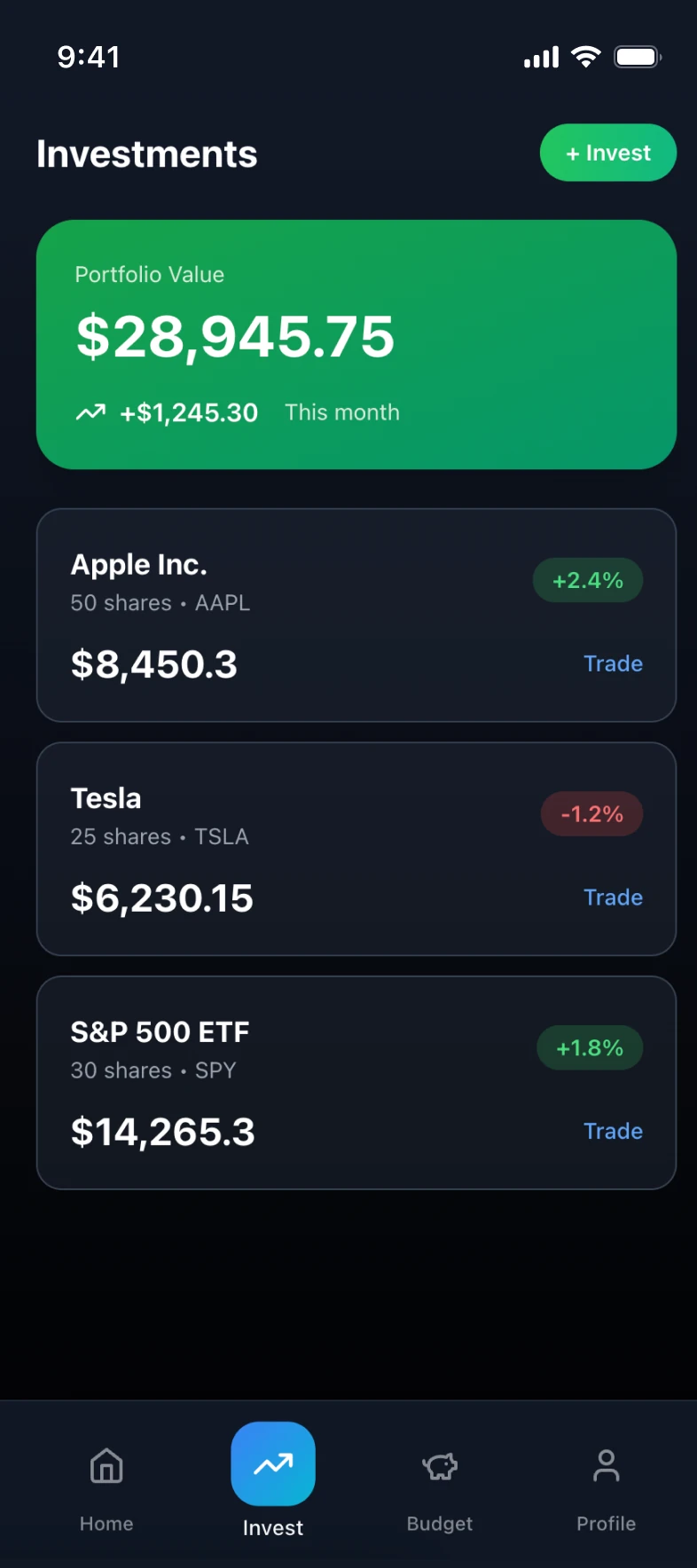
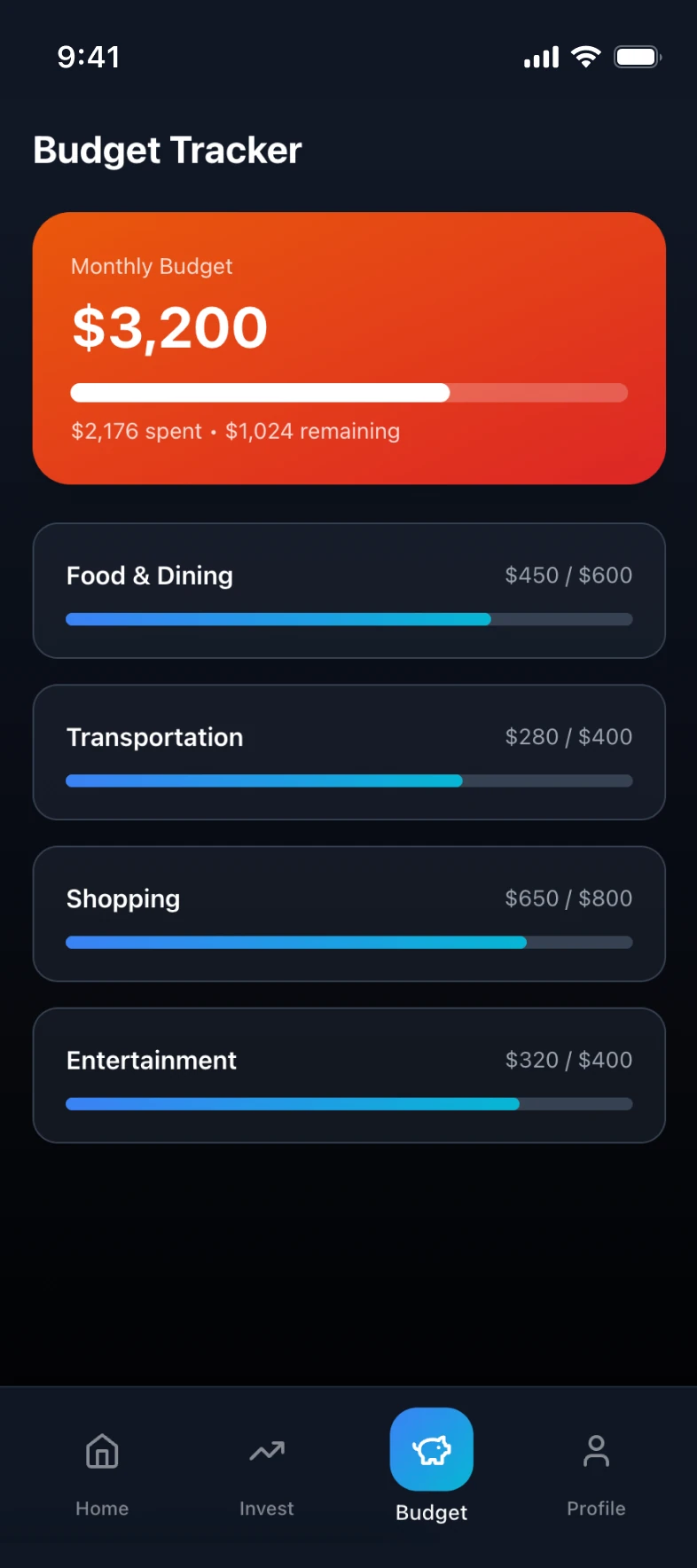
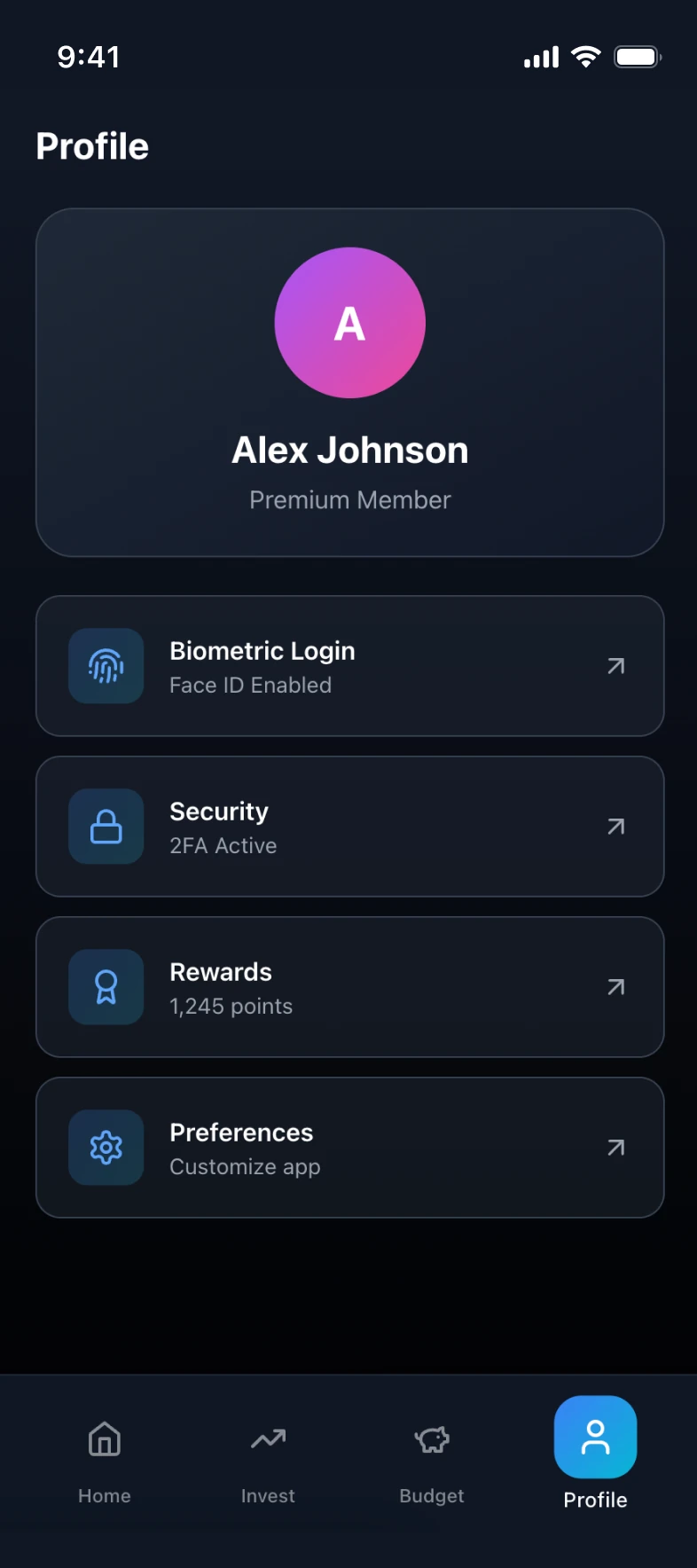
Send, Add Money, Cards, and Analytics shortcuts sit above recent activity. Home, Invest, Budget, and Profile provide the persistent navigation structure.
Design rationale
A strong visual hierarchy separates suggested action, financial status, and transaction history. The design uses color to distinguish task groups while preserving a consistent dark interface.
What to validate next
Test whether users understand the source of a savings recommendation and what authorizing auto-save would do before they commit.